terminal markdown viewer for agent workflows
A better agentic feedback flow.
Your agent writes a spec. You now comment on the exact section, inline. The agent reads it instead of long conversation chunks.
You just left a comment. Now the agent can read it.
inspiration and friends
“If herdr, hunk, and agentation had a baby.”
mdtation combines ideas and flows from a few great tools.
the problem today
Giving feedback in a long conversation is awkward
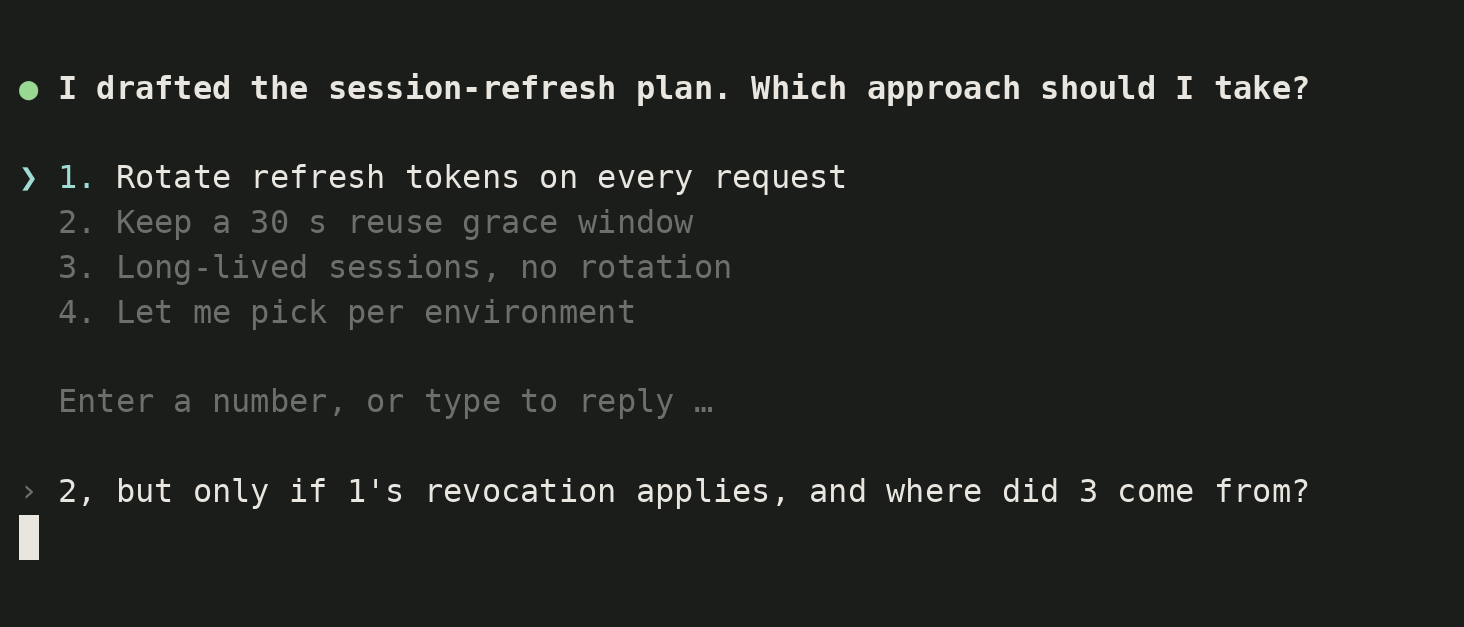
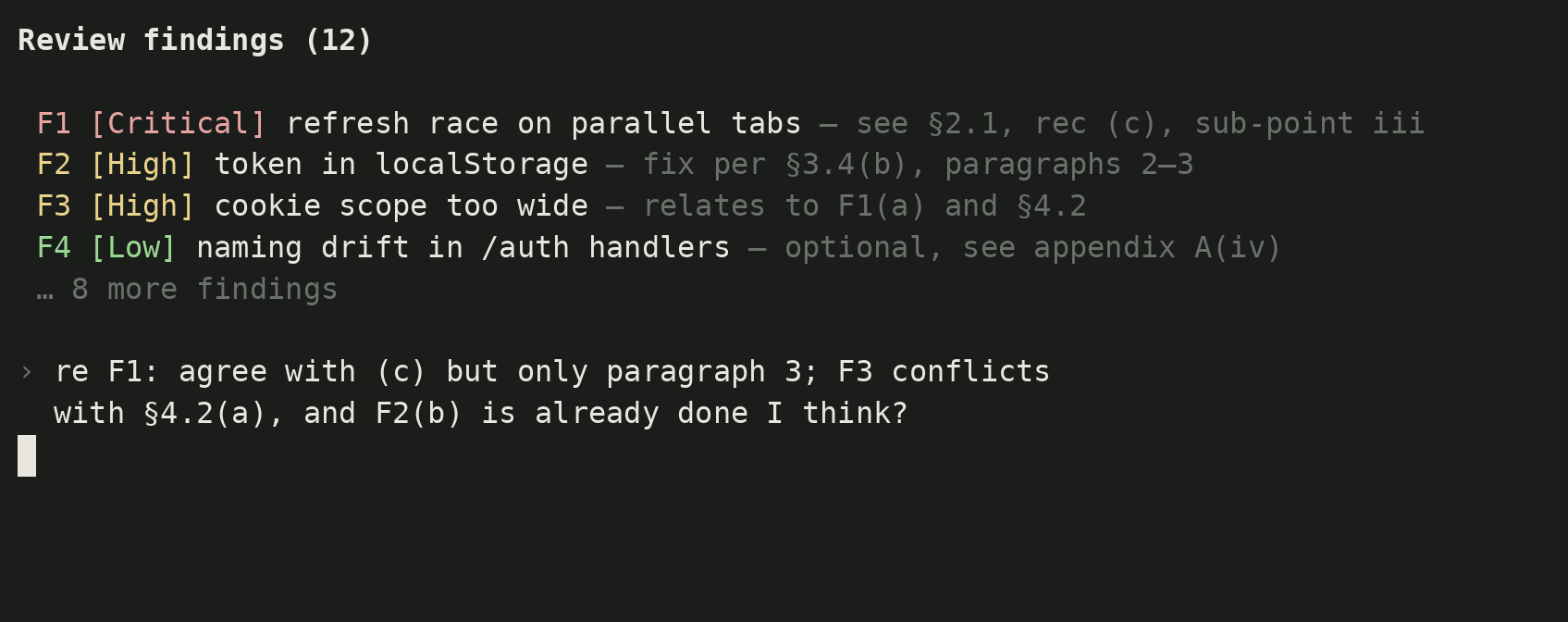
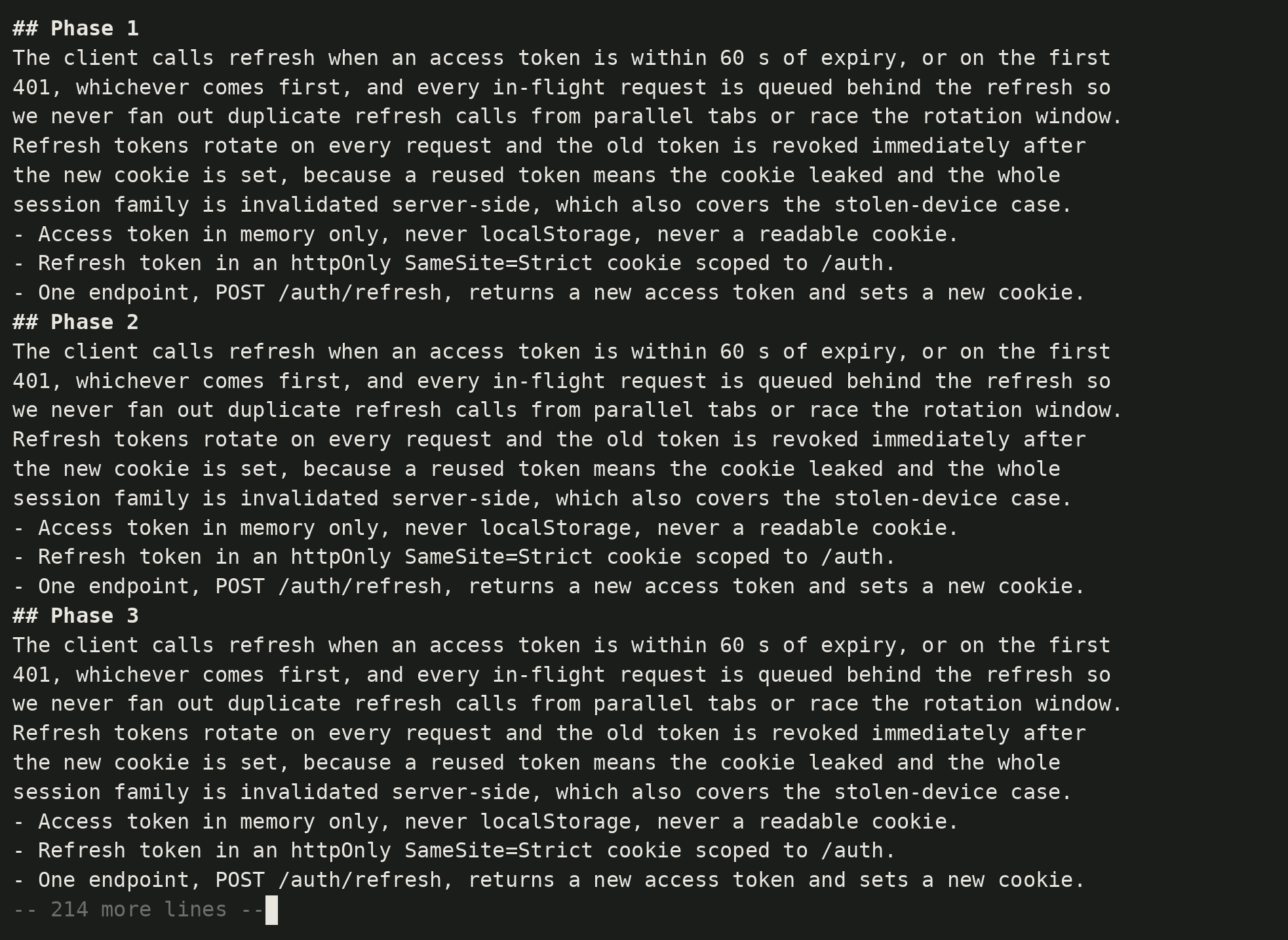
No more option pickers, label replies, or scrollback plans.
Comment on the plan, not the chat.
Specs, plans, drafts, reviews: the prose your agent writes deserves a real review flow, not a chat reply.
- 1
The agent writes a file
Ask for the plan as a markdown file, not an ephemeral conversation. A file is something you can open again tomorrow. A conversation gets messier.
mdtation plans/auth.md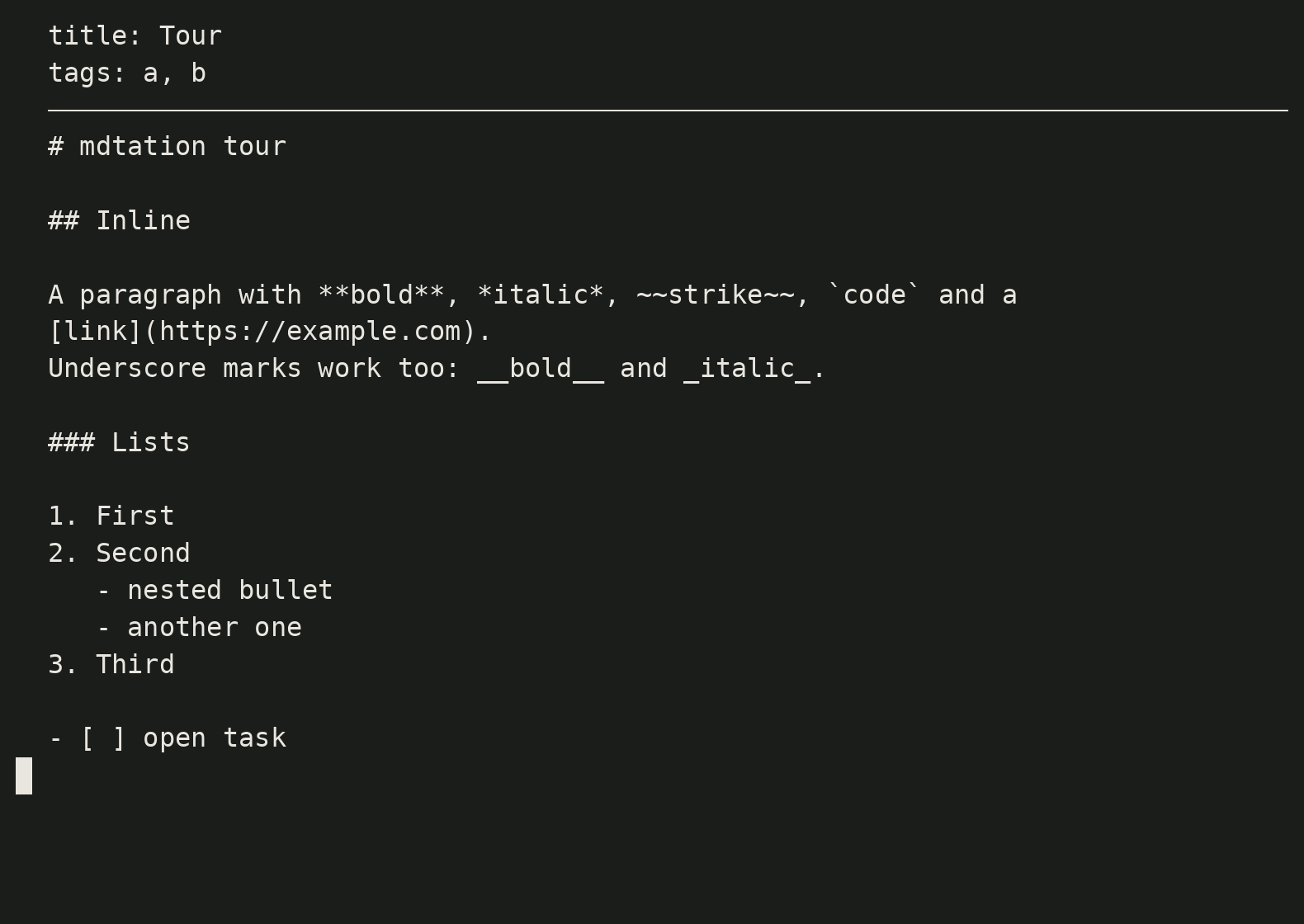
- 2
You read, comment, and copy
Press
con a line, or drag-select a sentence, and add a comment. Read and comment step by step. - 3
The agent revises, you loop
The agent reads the comments and edits the file. Open it again: your comments are still anchored. Archive what landed, go again.
mdtation plans/auth.md list
built for agents, human-first design
Meditate on the plan, then send comments back
Human-friendly notes. Mouse-enabled even as a TUI, keyboard-first , command palette and menus included.
Everything a TUI should have
Keyboard-first but fully mouse friendly, adopting desktop patterns like menu bars and command palettes.
Frequently asked questions
read,breathe,comment,loop